¶ Where To Play
Download link: https://www.lotrointerface.com/downloads/info1138-WhereToPlay.html
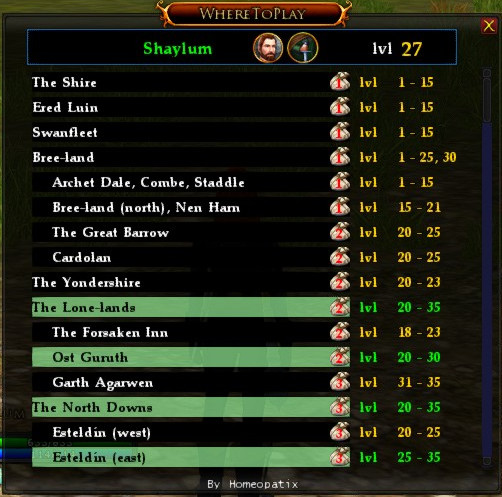
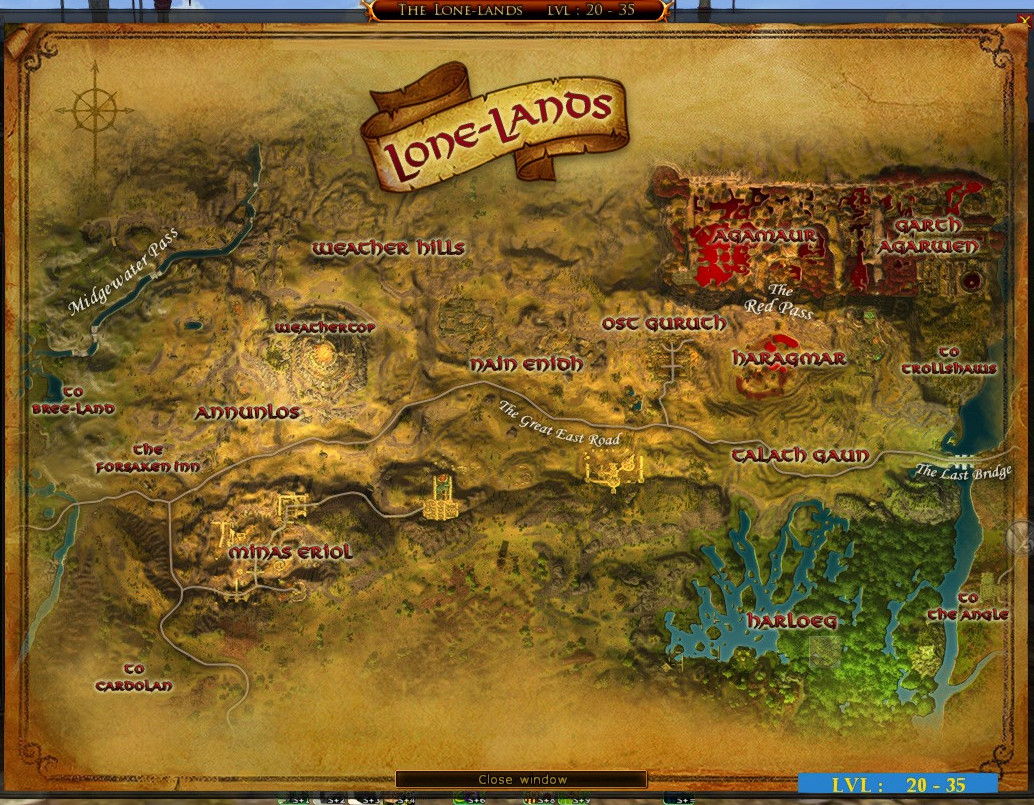
Where to play gives you a quick, in-game reference to see what region you should be in for your current level. By clicking on a region the map will open so you can see an overview of the region and. As a returning player I find this very useful as would a new player to quickly see where to go and the options so that you are not treading the same ground with every character you make.
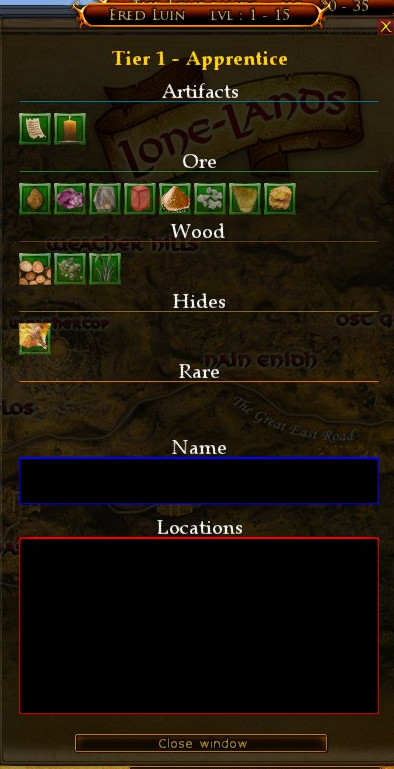
To display the Material Farming Icon open the Options Menu and select “Show Material Farming Tier: Display Icon” and be sure to Validate the change. This icon will be to the right of the region name but before the level range. Clicking on this Bag icon will open a window that displays what resources are available in the region and their approximate locations. Very helpful for the crafter looking for specific Materials.
Commands:
/WTP show – show the window
/WTP hide – hide the window
/WTP esc – activate or deactivate the escape key
/WTP options – opens the options window
/WTP toggle – toggles the window