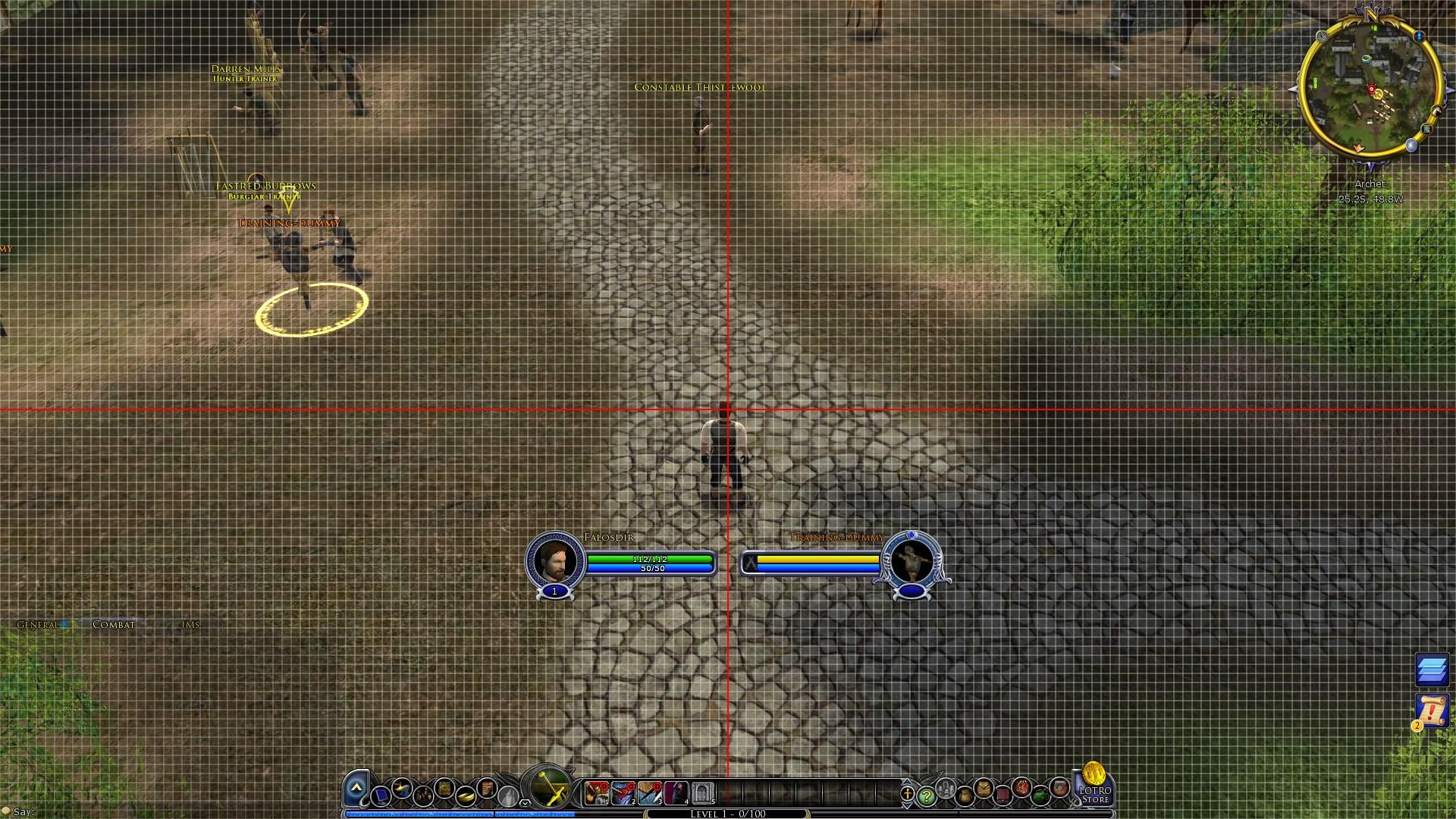
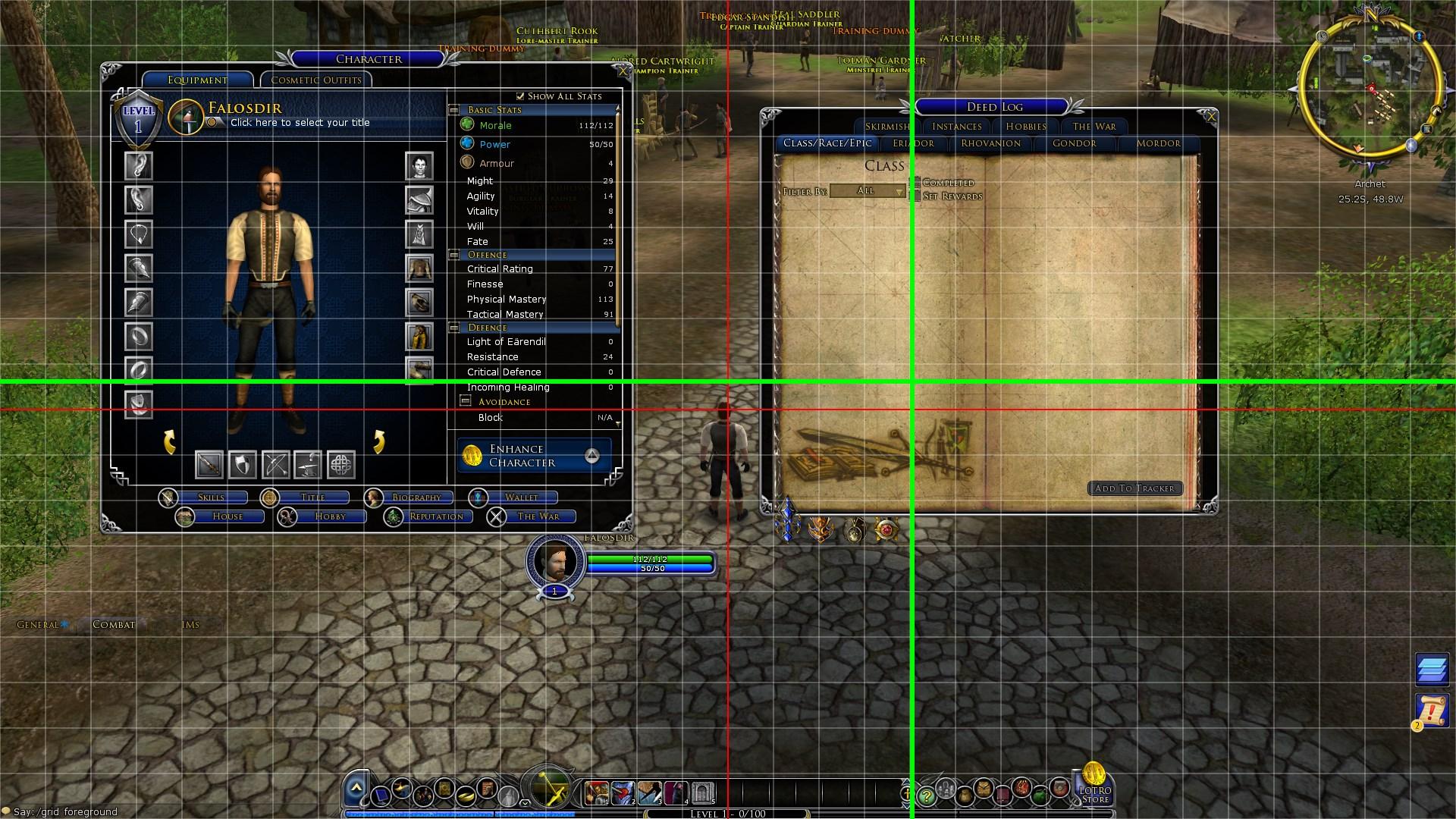
¶ Interface Grid
https://www.lotrointerface.com/downloads/info991-InterfaceGrid.html
Interface Grid is a Plugin that you may only use once, or several times depending on how much you tweak your UI. It is useful in making sure everything is laid out in just the right way, even and symmetrical. I use it to ensure my UI is just right, as I can never just eyeball it.
The grid can be customized to suit your liking. The Commands are:
/Grid Help – Displays the commands
/Grid Show – Displays the grid
/Grid Hide – Hides the grid
/Grid size number – Sets the grid size. Only use even numbers, Example: /grid size 12
/Grid foreground – Sets the grid above all UI elements
/Grid background – Places the grid behind all UI elements
/Grid alpha number – Sets the grid transparency (Number between 0 and 255), Example /grid alpha 100
/Grid guide show – Displays a grid on screen for specific positioning
/Grid guide hide – Hides the guide
/Grid guide size number – Sets guide thickness, Example: /grid guide size 6
/Grid guide xy – Sets the guide position, Example: /grid guide 500 600 (00 is top left corner)